Free to use · Built-in annotation tools
A space for your music.
Create your own music sheet library and share it with your group.
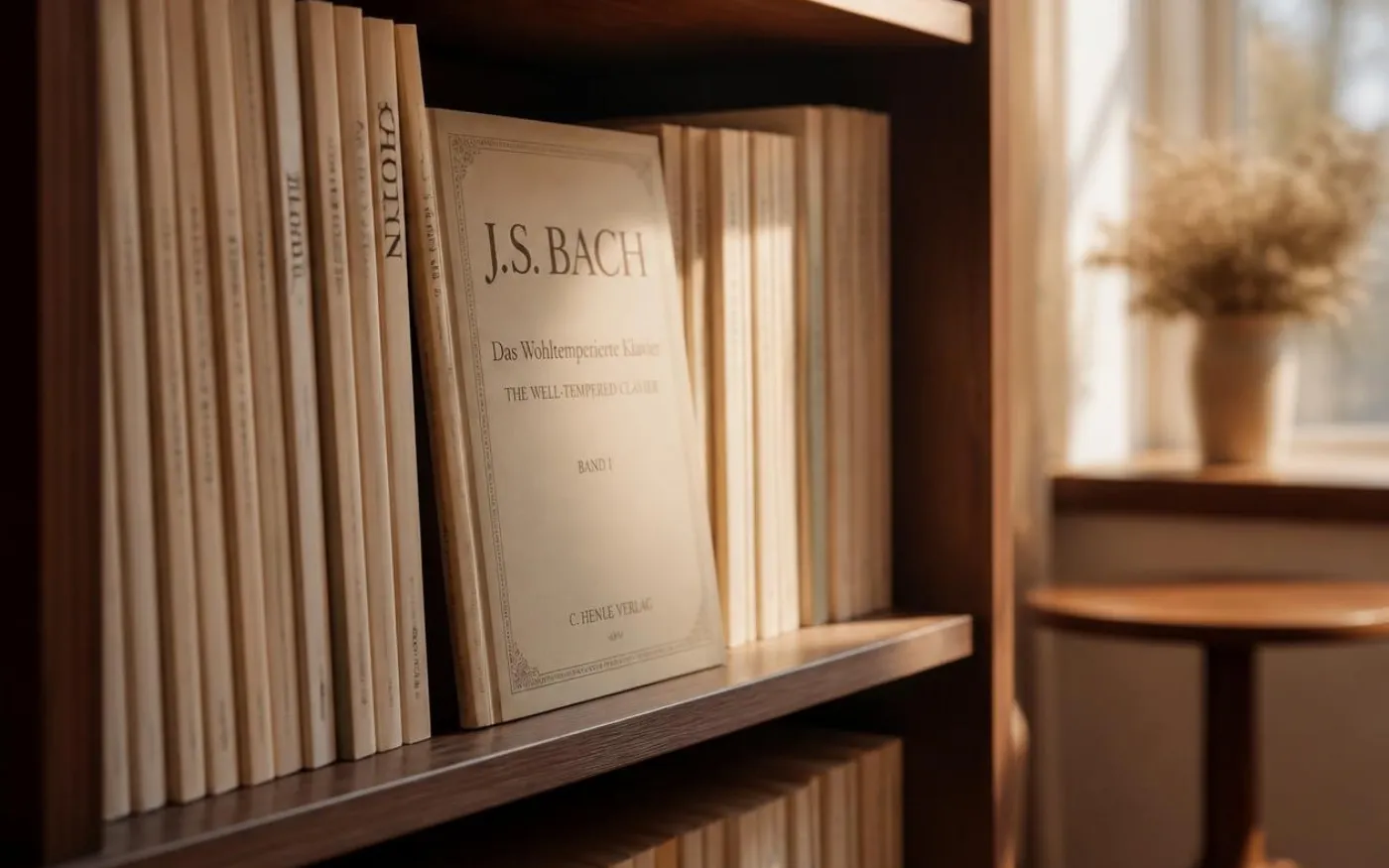
Keep every music sheet on a permanent shelf, backed by your own Google Drive — with the tuner and metronome on top of each one.
Just you · Free forever
My Library
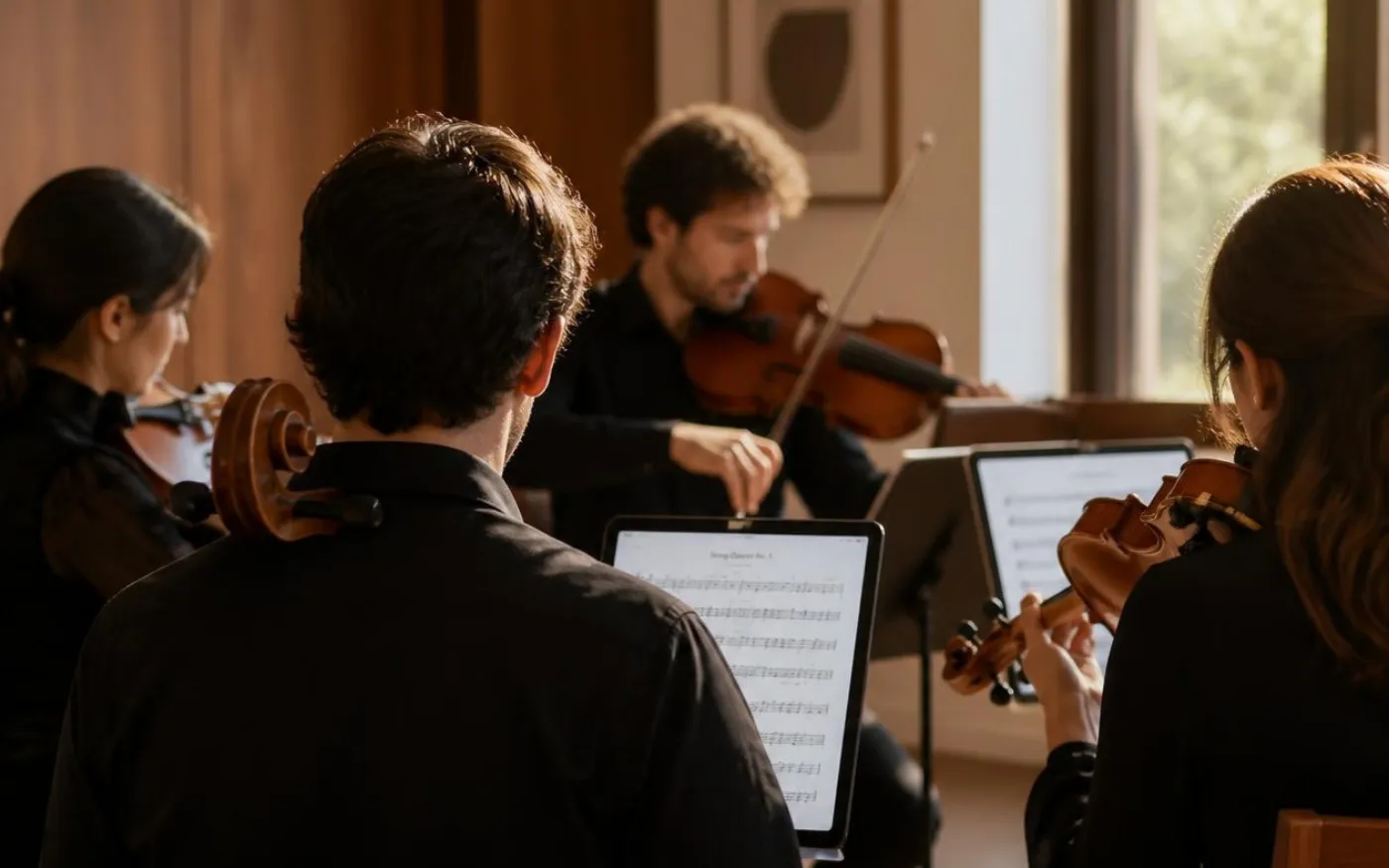
Share a room with your ensemble — everyone reads the same music sheets, you see who joined, and it clears itself after 7 days.
With your group
Group Room
Start here · Permanent · Costs $0
Build your library in 3 steps
Your scores stay on your Google Drive — we just give you an organized place to find and read them. Free forever, because you’re the one paying for storage (which is also free up to 15 GB on Drive).
- 1
Put your music sheet on Google Drive
Sign in to drive.google.com and drag your music sheets in — PDFs, or photos and scans. Many musicians keep a “Sheets” folder with a subfolder per piece, which works perfectly with our shelf system.
- 2
Set sharing to “Anyone with the link”
Right-click your music sheet in Drive → Share → change “General access” from “Restricted” to Anyone with the link → Copy link. This lets our viewer show it on your shelf. Your library stays private — only you can see it.
- 3
Paste, name, pick a shelf
Open your library, click Add a music sheet, paste the Drive link, give it a name, drop it on a shelf (“Concertos”, “Etudes”) and pick a book colour. Tap the book to read with the floating tuner and metronome on top.
What’s built in
Tools that float on top of every sheet
Tuner
Listens to your instrument and shows pitch + cents — all on-device. Pulses green when you're in tune. Drag it wherever you like on the page.
Metronome
BPM, time signature, tap tempo, pendulum visual. Keeps clicking while you read the score.
How group rooms work
Share with your ensemble in three steps
Create a room + add sheets
Sign in, name your room, upload PDFs or paste Drive links. Each file up to 25 MB. Up to 50 sheets per room.
Share the link
Copy the room URL and send it through Messenger, email, or your group chat. Members sign in once (10 seconds with Google) so you can see who's joined.
Members open + play
They tap a sheet to open it in-page with the floating tuner + metronome on top. Every visitor shows up on your Members panel — full attendance, no anonymous access.
My Library is permanent
Your library never expires. Scores stay until you remove them yourself. Costs us essentially nothing to host because we don't host the bytes — they live on your Google Drive.
Group rooms expire in 7 days
Programme-specific spaces that auto-delete a week after creation. Nothing lingers on our servers. End a room early to delete everything immediately.
Private by URL or by account
Group rooms use a 16-character random token in the URL — only people with the link can view. My Library is strictly user-scoped — only you can see it.
Draw bowings — or bring your own
Mark bowings, slurs, and notes right on a sheet with the built-in pen, then save a copy with your marks saved into it. Already mark up your sheets in forScore, GoodNotes, or MuseScore? Link that PDF instead — your marks come along either way.
Before you upload
Only add sheet music you have the right to use — for example: public-domain editions, material you own, scores your ensemble has licensed or purchased parts for, or your own arrangements. Don’t upload commercial editions you haven’t paid for.
We’ll ask you to confirm this on every group room you create. If you spot something on Rehearsal Rooms that shouldn’t be there, please report it.
FAQ
Is this really free?
Yes — free forever. The Rehearsal Room is a gift from Corona Strings — a strings shop & music studio — to musicians everywhere. No credit card, no paywall, no upsell.
Why does the library use Google Drive?
Because keeping your files on Drive means we never have to charge you — the bytes flow from Google directly to you when you read a sheet, never through our servers. Your Drive (free up to 15 GB) is the storage; we provide the bookshelf UI + the tuner + the metronome.
What if I don't have a Google account?
You can make one for free at accounts.google.com/signup — it takes about two minutes. We don't have plans to support other cloud providers yet because Drive's free tier is generous and the API works well for our needs.
What does "Anyone with the link" mean? Will random people see my files?
That's a Google Drive setting for your library — it means Drive doesn't restrict viewers to a named list. Inside the Rehearsal Room it's a different story: members must sign in to view a room, so you see exactly who joined. "Anyone with the link" on Drive just means we can embed the PDF for the members you've already invited.
Can I add lots of sheets to my library?
Yes. The library is unlimited on our side — we just keep an index. Your only constraint is your Google Drive storage (15 GB free, more if you pay Google directly). Organize them onto named shelves like 'Concertos', 'Etudes', 'Mahler 5' — whatever helps your eye.
When should I use a Group Room instead of My Library?
Group rooms are for programme-specific sharing — a concert cycle, a chamber group reading, a sectional. You upload (or link) parts, send the URL to your members, and the whole room auto-deletes in 7 days. For music you keep coming back to, use My Library; for music you share with others for a limited time, use a group room.
Do my group-room members need a Corona Strings account?
Yes — sign-in is required. It's free, takes about 10 seconds with Google, and gives you (the creator) a complete attendance list: every member shows up by name on your Members panel after their first visit. No anonymous access means no leaked URLs to strangers, and you always know exactly who has your sheets.
What happens after 7 days for a group room?
The room and any files uploaded directly to it are deleted automatically. Drive links inside the room also disappear from our index (the files themselves stay on your Drive). If your rehearsal cycle is longer, just create a new room.
Can I draw on the sheets?
Yes. Open any sheet and tap the pencil to add bowings, slurs, bow signs, and freehand notes right on the page. Your marks save automatically and are private to you. When you want them elsewhere, use “Save a copy” to download a new PDF with your marks saved into it — your original file is never changed. You can also still link sheets you've already marked up in another app.